Features Printing, sharing, consent, remote control and offline mode
-
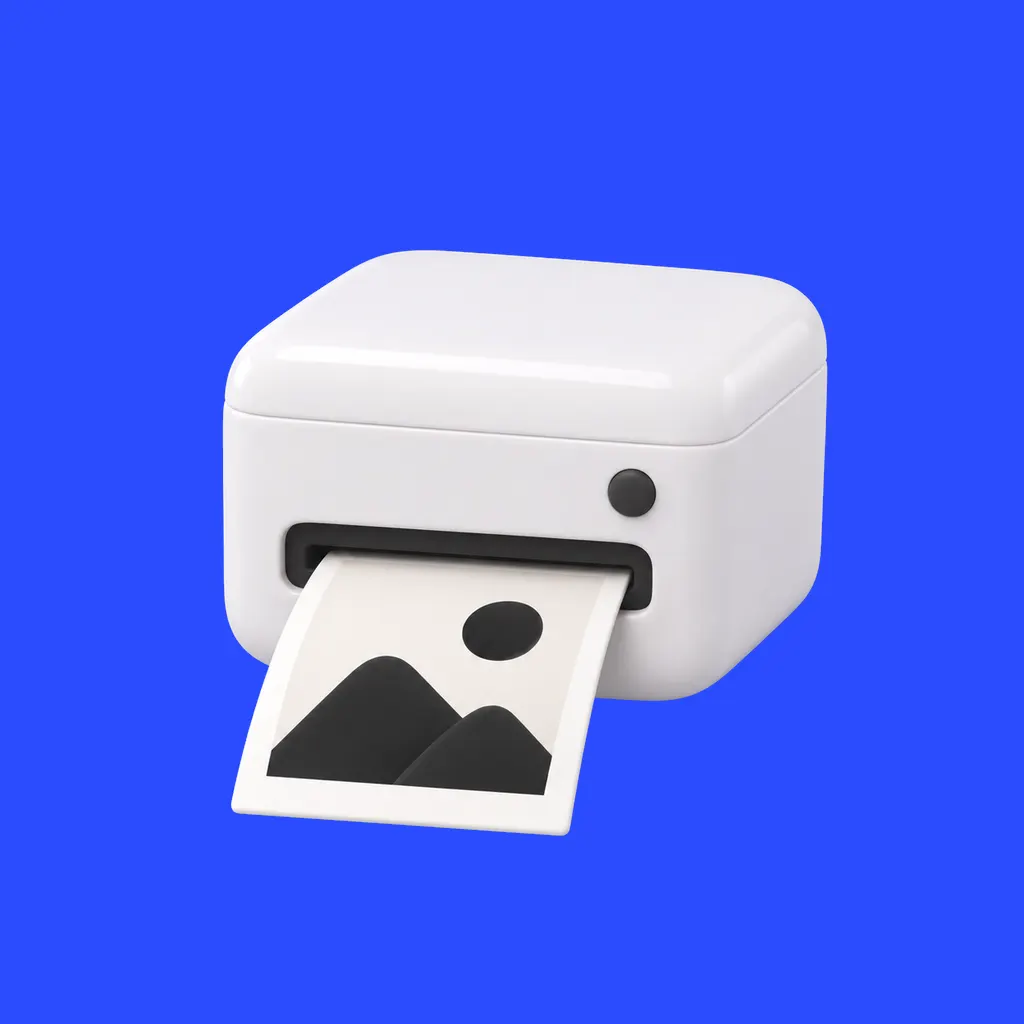
Printing
4×6 prints from any printer on a Windows PC; the kiosk can be on another network.
Read more · Printing → -
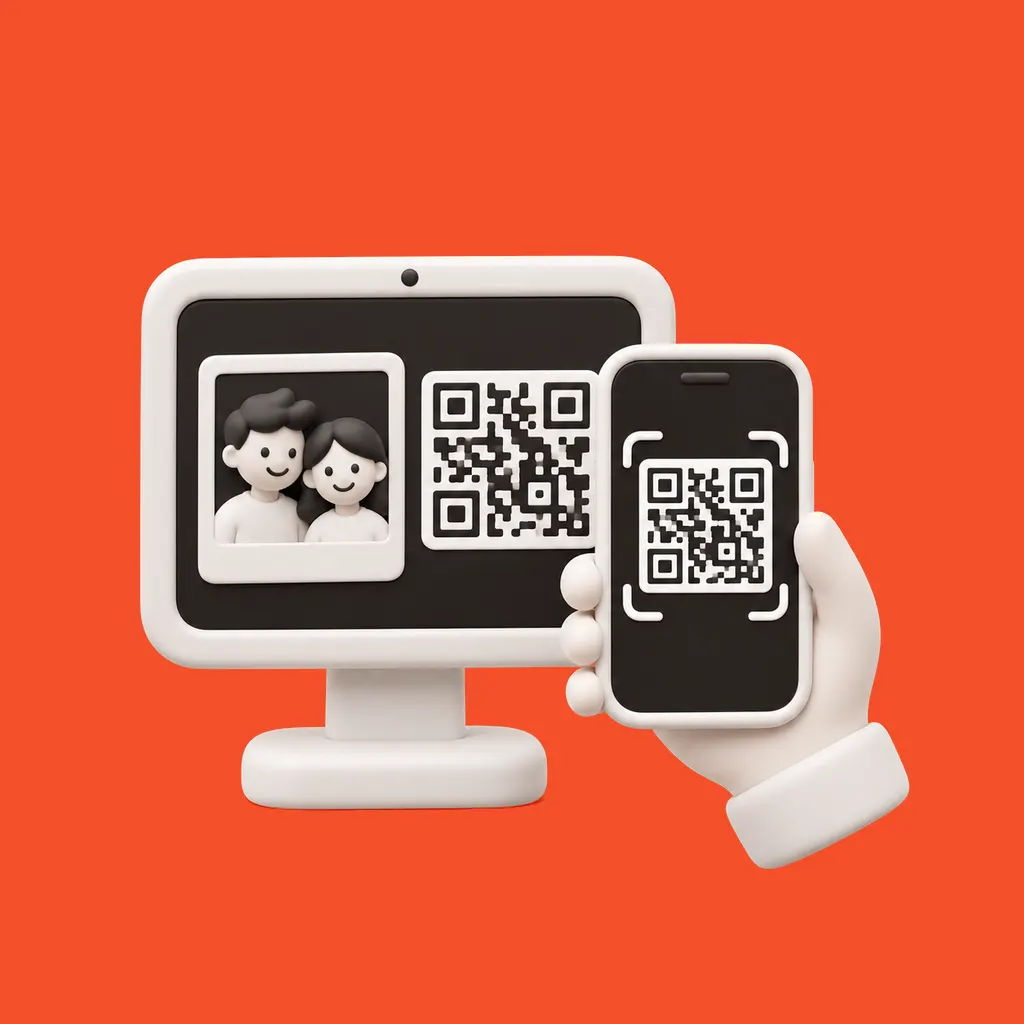
QR and email sharing
Every result gets its own guest page. Guests scan the QR on the kiosk, download the photo, GIF or video, and share it — no app, no account.
Read more · QR and email sharing → -
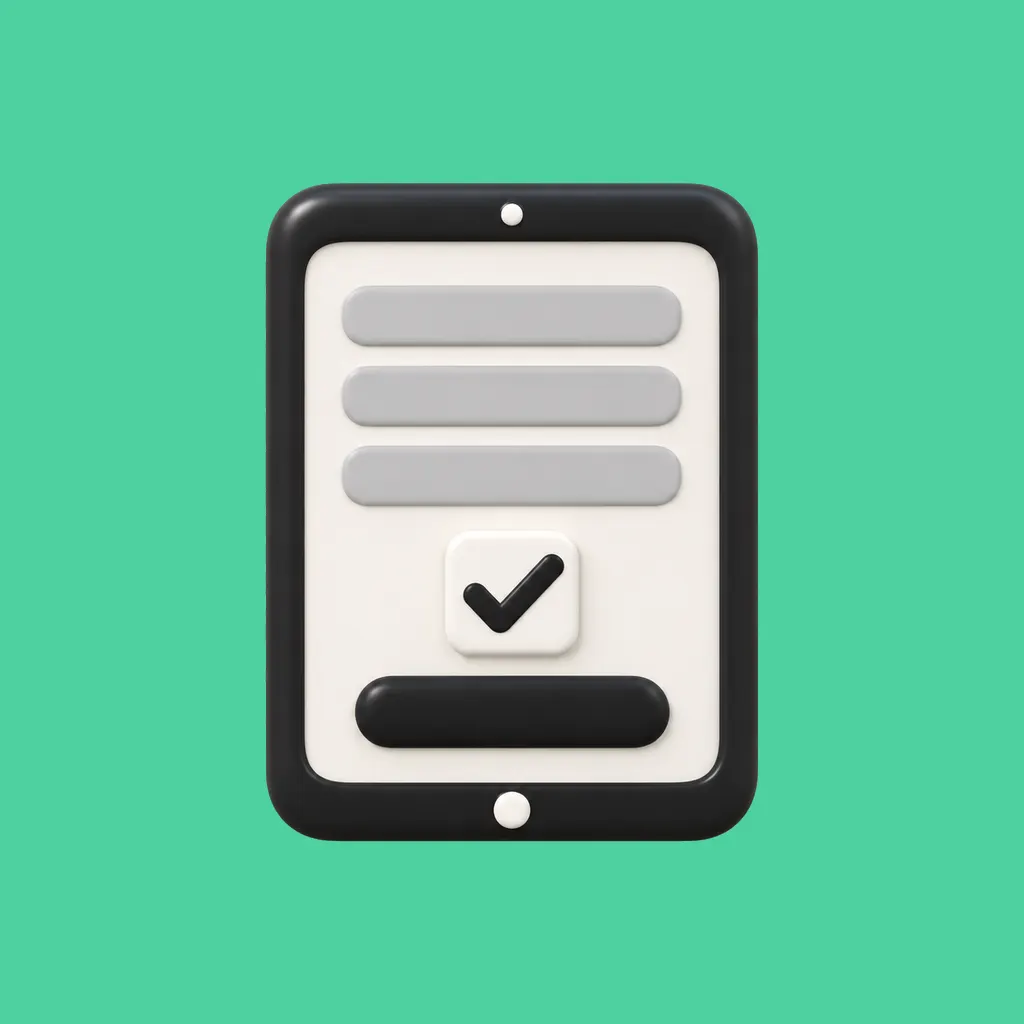
Guest form and consent
Optional form before or after the shot; each consent box opens your own notice.
Read more · Guest form and consent → -
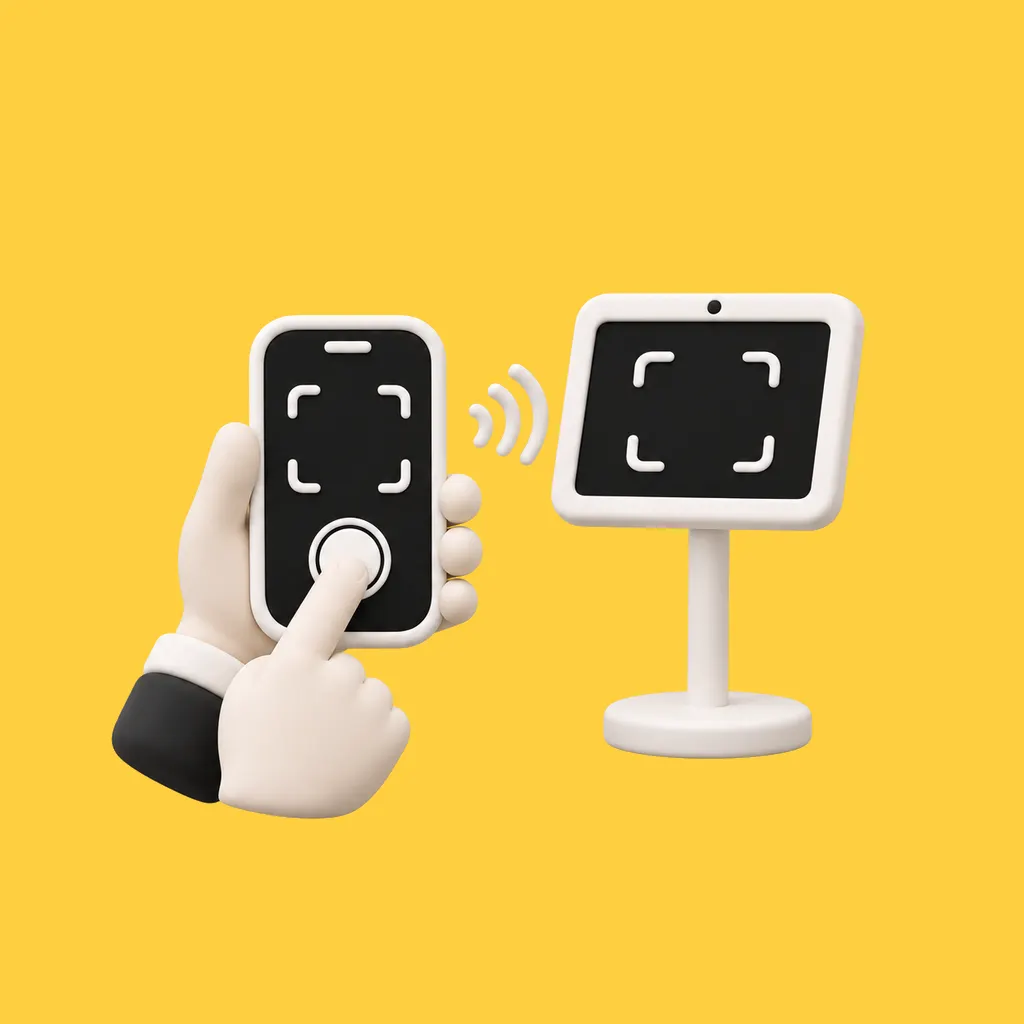
Remote control
Pair a phone with the kiosk and start the shot from it.
Read more · Remote control → -
Offline mode
In the iOS and Android apps, shots queue offline and are processed when the connection returns.
Read more · Offline mode →