Wordportre A portrait in your brand's words
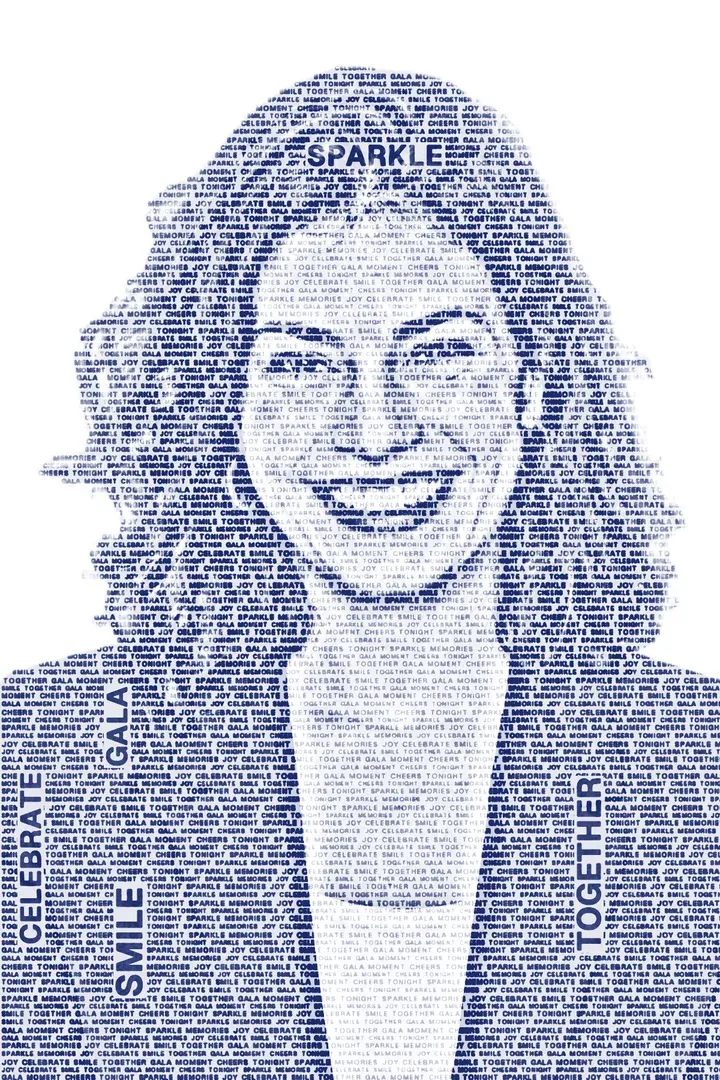
The guest is cut out and redrawn entirely in words. You choose them: a campaign line, brand values or the event's theme.
How does the guest use it?
- 1
Capture
- 2
Portrait drawn in words
- 3
Result on screen, QR and print
What can you set in Studio?
- Word pool
- Up to 200 distinct words or short phrases in total, including any enabled built-in words; up to 32 characters each. The 12 built-in words can be switched off.
- Color
- A single color or the photo's own colors
- Background
- None; only the words
What does the guest get?
- Output
- Transparent PNG, 1200×1800
- Sharing
- Guest page by QR, download, WhatsApp/Facebook/X link, email with the image attached
- 4×6 in (10×15 cm), 300 dpi
Shared settings, where supported
- Camera-based experiences
- Front/back camera, rotation, mirroring, 1–4× zoom; USB (UVC) camera on iPad
- Flow
- Optional guest form; camera-based experiences also support a 0–10 s countdown and retakes
- Brand
- Frame, colors, screen background and screen texts
- Kiosk
- Exit locked by an operator PIN, screen stays awake
Questions about Wordportre
Are Turkish letters supported?
Yes. Words can use Latin and Turkish letters, separated by commas, semicolons or new lines.
More from this family
-
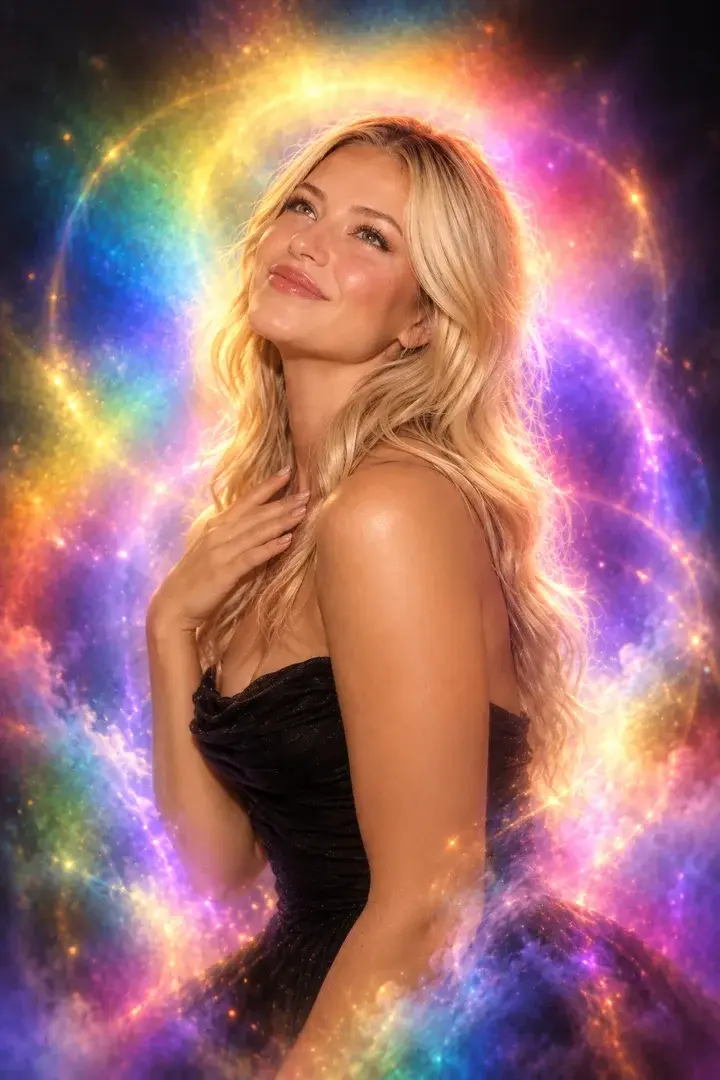
Aura Photo
Color-field aura portraits with the look of analog film.
-
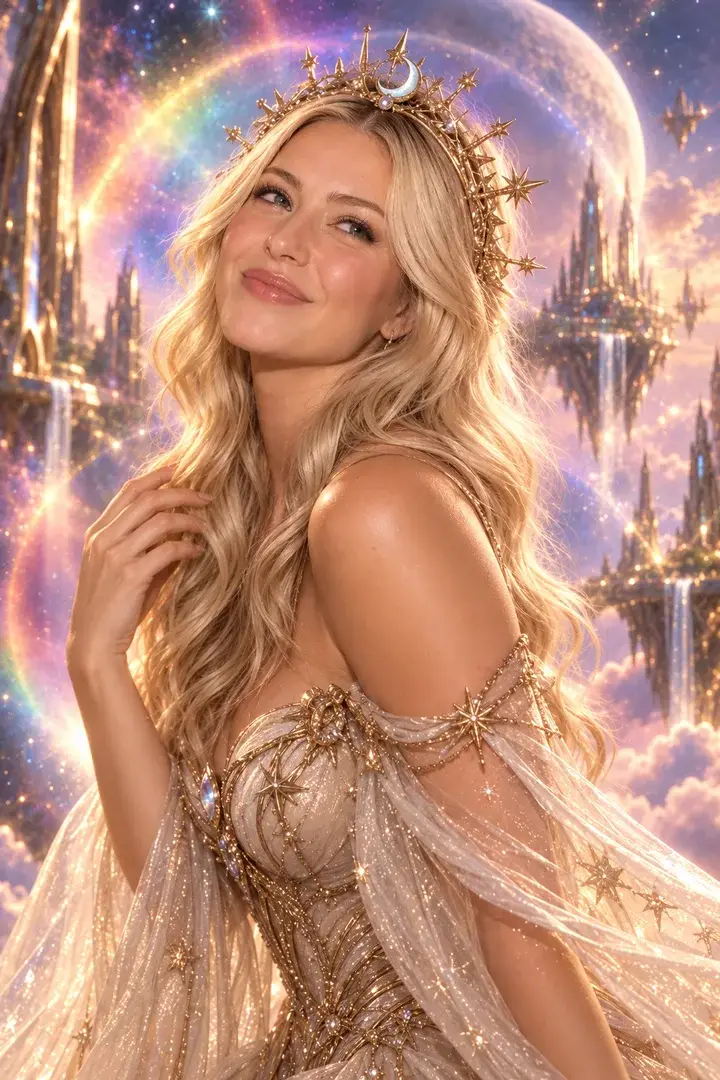
AI Photo
Guests become the characters you set for the event — up to 50 per event, one or two faces.
-
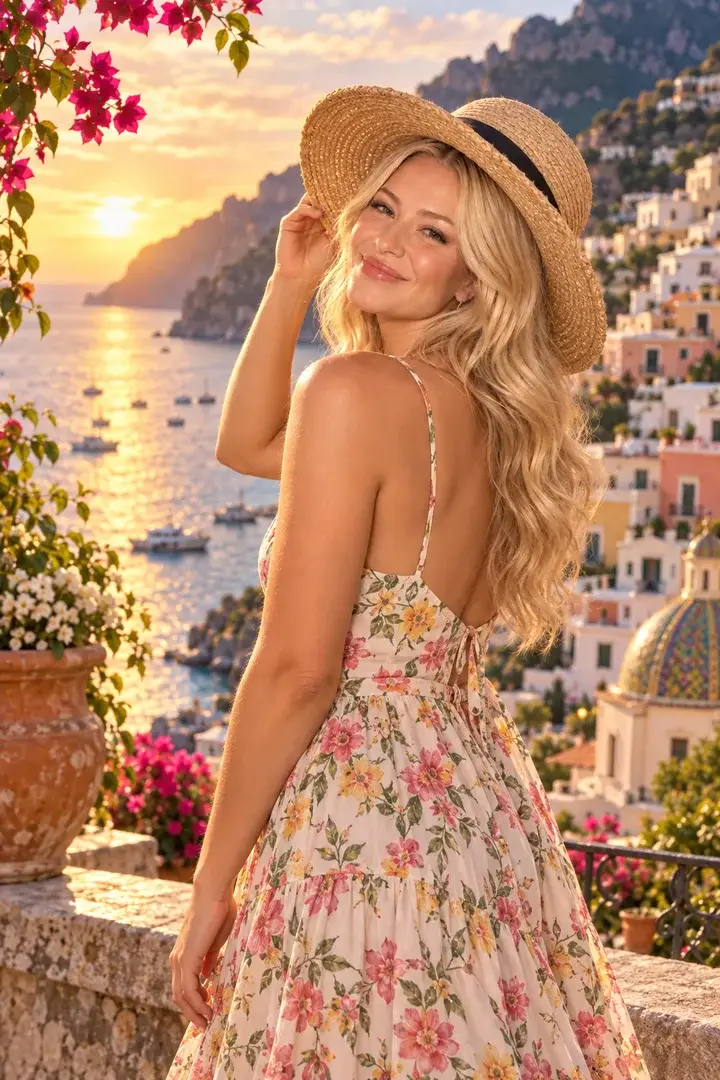
AI Greenbox
No green screen needed: the guest is cut out and placed in your scene.
-

AI Sketch to Image
A guest's quick sketch becomes a detailed image.